Tuesday evening
An agent builds the lesson
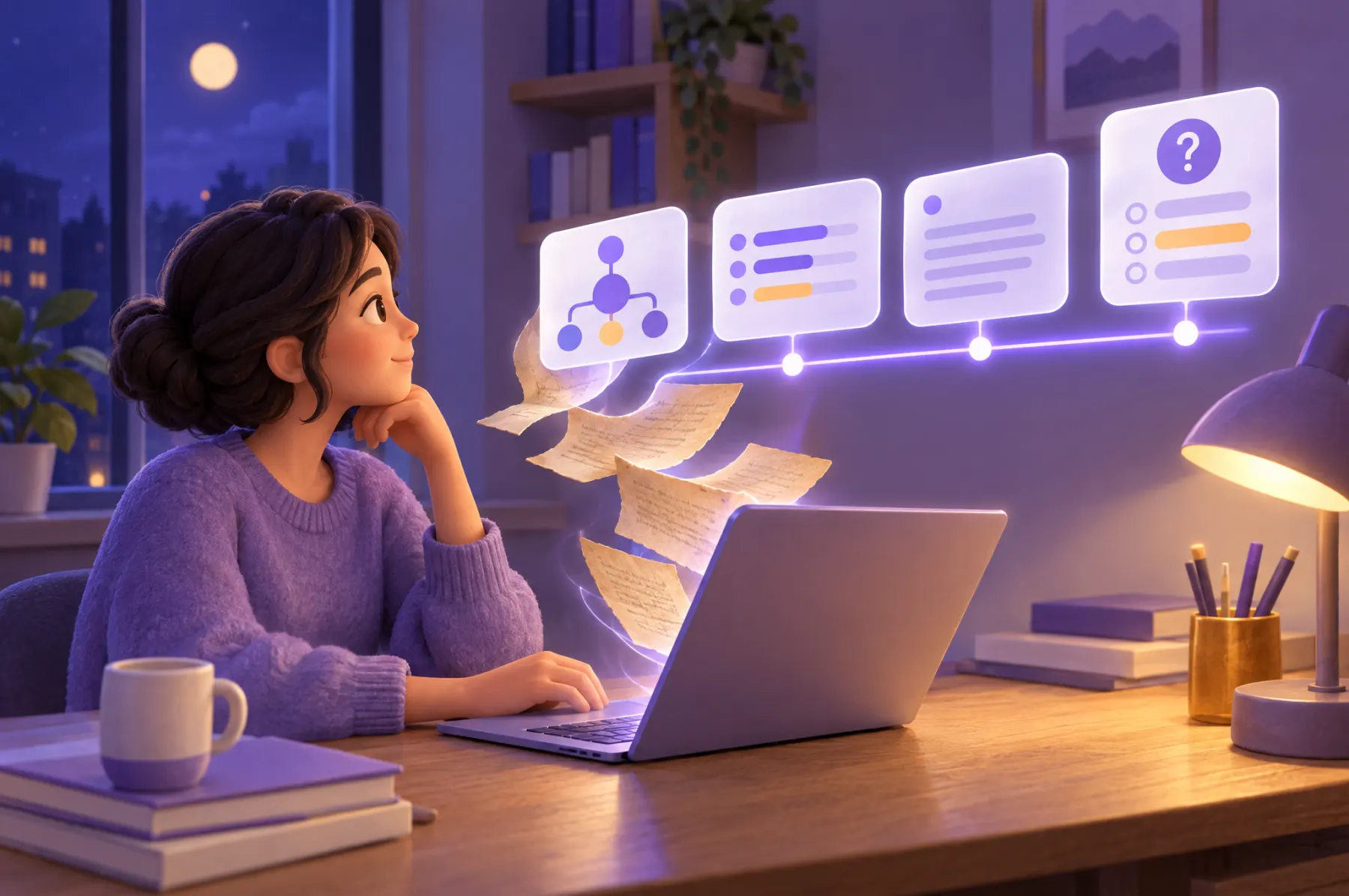
Professor Ruiz connects their agent, hands over a forty-page PDF and writes one line: fifty minutes, first-year students, a check for understanding every ten minutes.
The agent chooses blocks and design guidance, then writes a structured experience or adapts HTML. For this class it builds an animated timeline with explanations and questions. Ruiz asks to move a chapter earlier; the agent revises the lesson.
For any creator
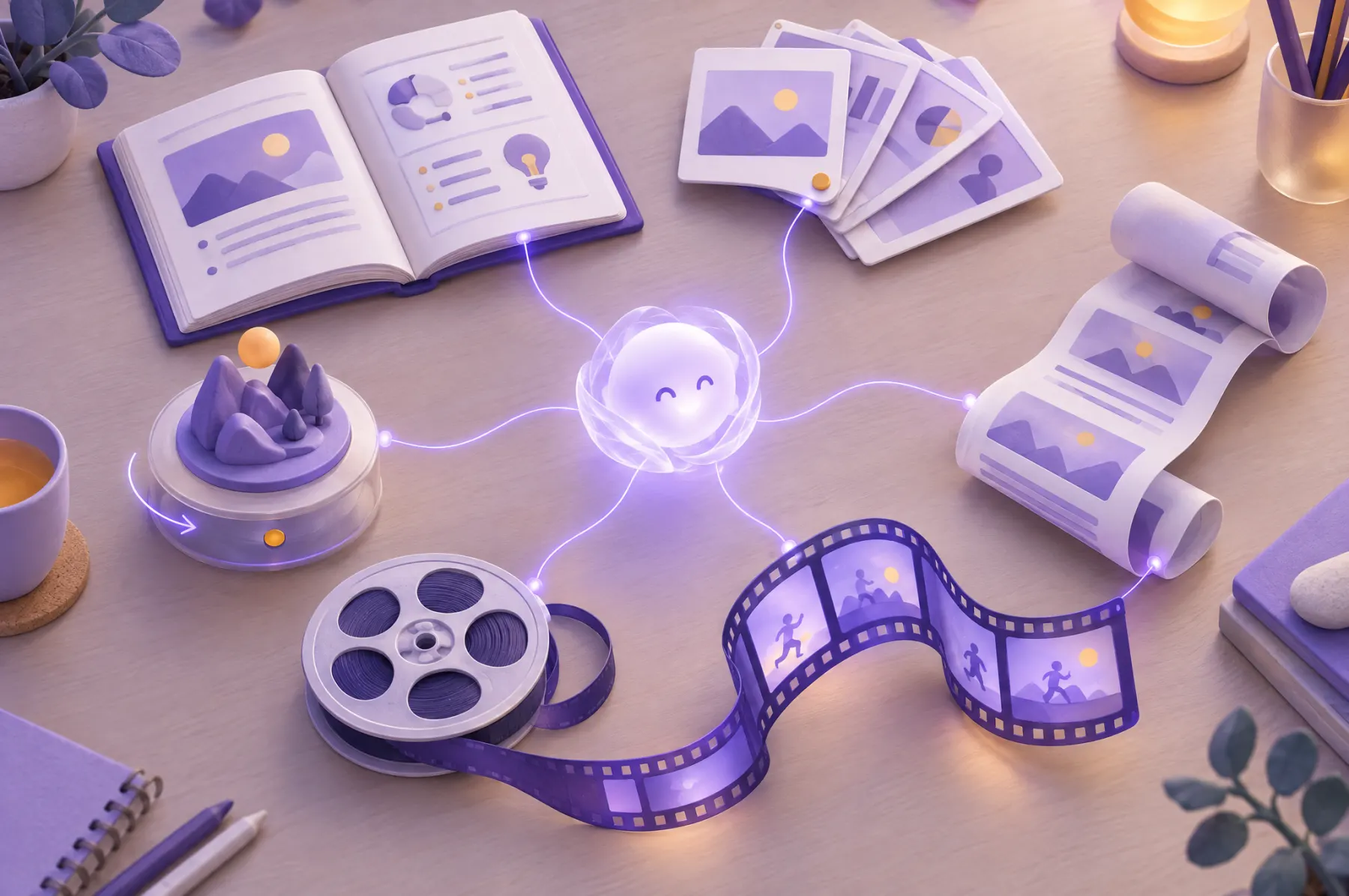
Blocks, formats and examples
Create and teach within anonymous usage limits. Sign in with Google or an email code and establish an active license when you want to keep and manage your library. Sync handles hosting and learning records.
- Workbooks
- Slides
- Scrollytelling
- Motion graphics
- 3D
- Movies in sync
Agents pick up interactive blocks and the formats that arrange them. A library of examples lets any agent show options to its person and recombine them freely, with no house style and no required framework.
Block library
Blocks agents can pick up
The interactive blocks teachers already use become templates in one library. An agent can show them to its person and combine them in any format.
- Title
- Text
- Image
- Video
- Audio
- Poll
- Quiz
- Open quiz
- Word cloud
- Board
- Ranking
- Rating
- Reaction
- Timer
- Formula
- Forum
Last year's course
Existing work comes along
Last year's workbook goes to the agent too, with its polls and every answer students gave.
The agent migrates content and authorized past answers into the store. Preserving the original look and scoring is the acceptance target. The new experience is maintained through agents; the old authoring tool is not part of this offering.
Thursday, 9:00
The class happens inside the lesson
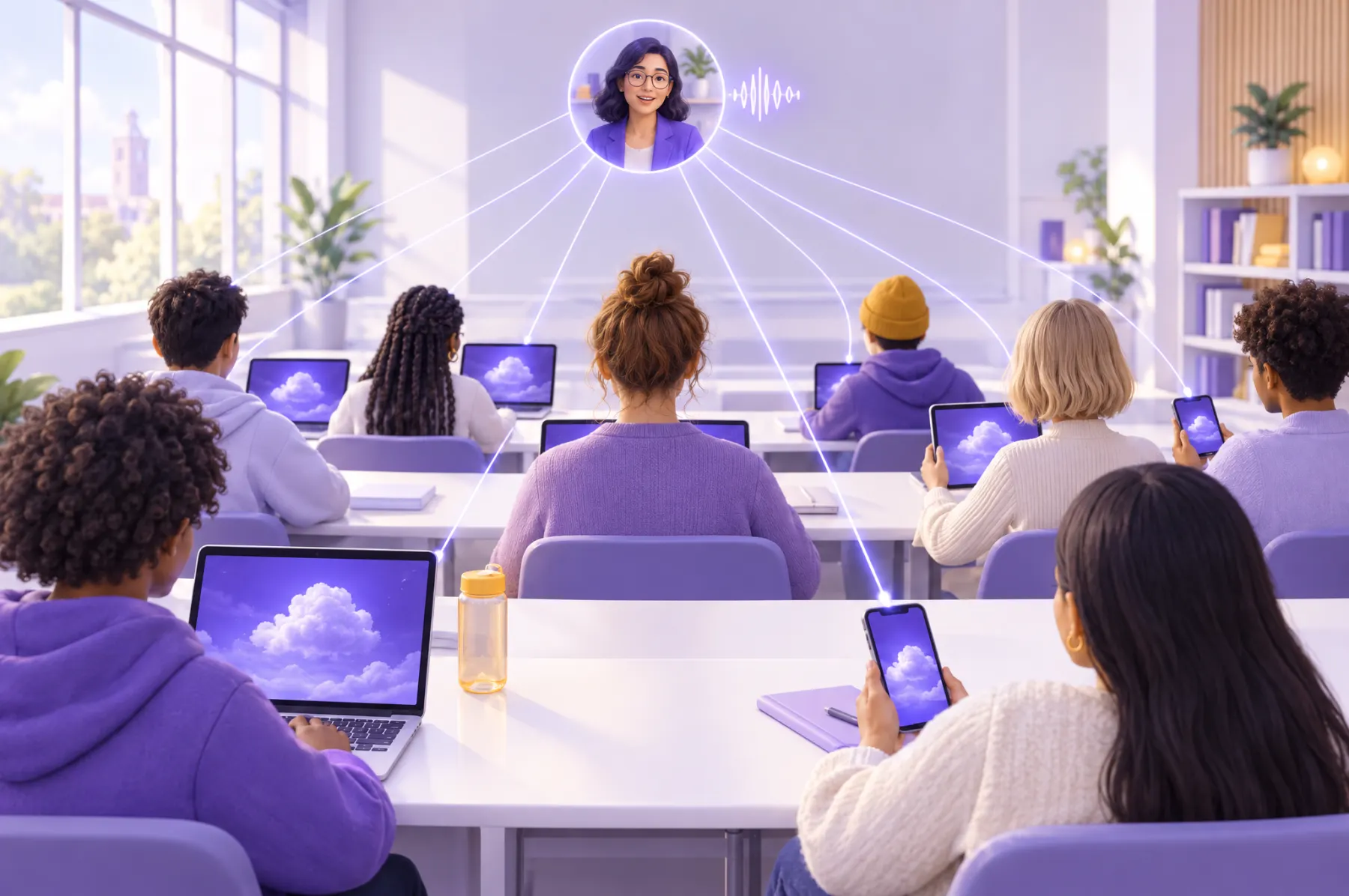
Ruiz opens the card to resume the active class, or starts a new session for a new group. Students join with one link or QR on laptops and phones.
When Ruiz presses play, the content follows the shared class position. When Ruiz goes back, the learners follow as the activity allows. The agent included these controls for this lesson; other experiences can use different navigation.
Try it
One lesson on a shared timeline
A local interaction demo that mixes a title, animation, video, a poll and an image. Its two panes illustrate one possible experience; answers stay in this page and do not enter the store. Chapters sit evenly on the timeline whatever their length, each with its content icon floating above it, and the video plays at its own speed. The teacher chooses how closely students follow, and whether a poll pauses the lesson or waits for everyone.
- LockedStudents see the teacher's exact frame.
- RewindStudents can go back to anything already covered.
- FreeStudents move anywhere on the timeline.
Teacher
Student
Where does most rain come from?
Minute twelve
The lesson waits for an answer
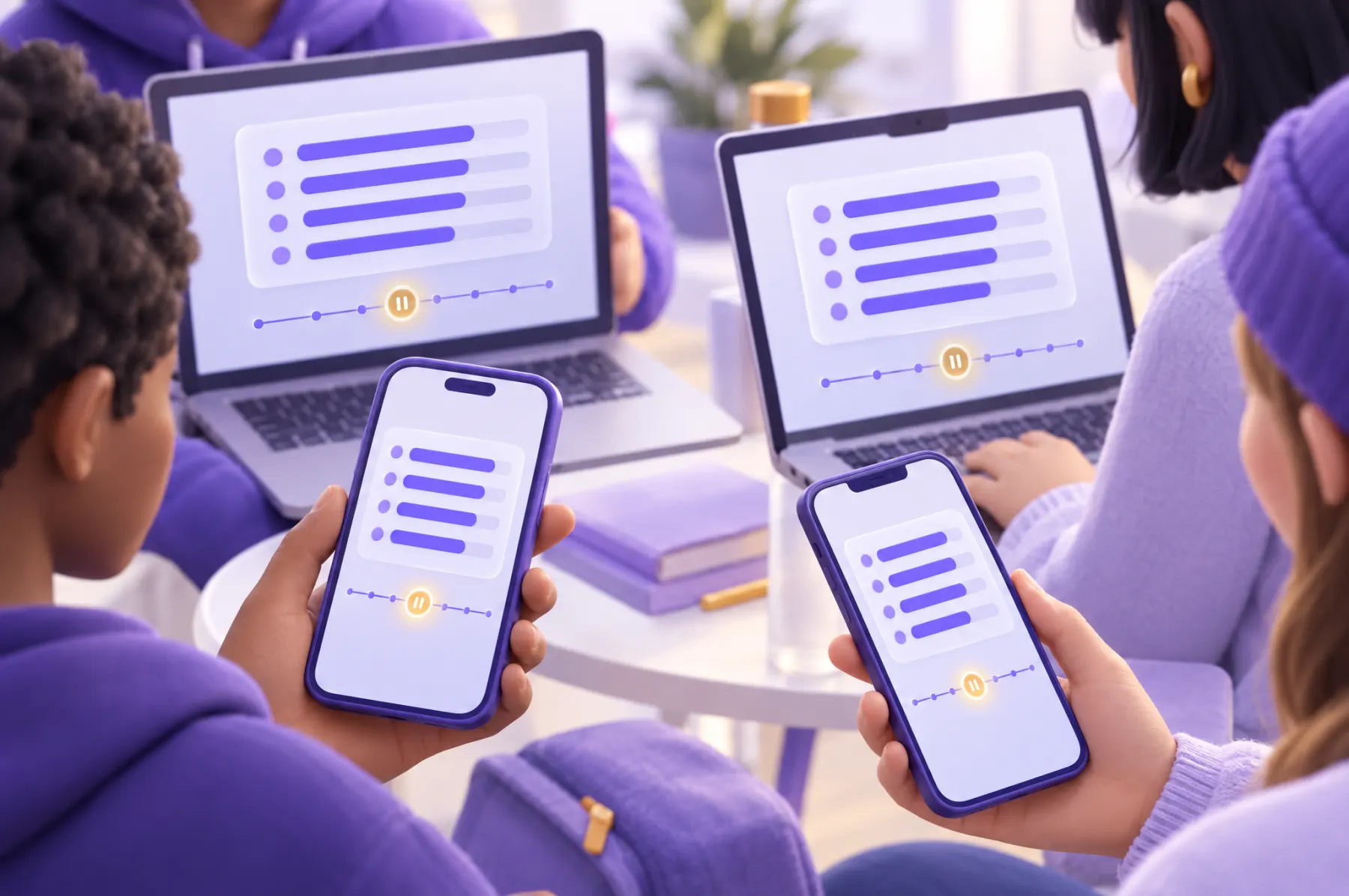
The timeline stops at a poll.
The author decides whether playback pauses there or waits until each student answers. The bars fill in as answers arrive, inside the lesson itself.

Thursday, 21:00
The presentation moves replay
For this activity, Ruiz asked the agent to include recording and replay. A student who missed class opens its replay link.
The recording drives the lesson from its timestamped presentation moves. An authored question gate waits for the student's own answer. Playback in this student's experience leaves the live class untouched.
The planned media extension adds live voice, optional camera video and recorded media alongside those moves. Agents will include and design these controls when needed; recording and playback are not required in every experience.
How it fits together
Two timelines, three ways in
The teacher plays, stops and jogs the content timeline. A recording keeps the class as it happened and moves the content timeline when it plays.
- Live · follow the teacher, within the mode the teacher chose.
- Recording · replay the recorded presentation moves and answer for yourself.
- Free · move through the content alone, when the teacher leaves it open.
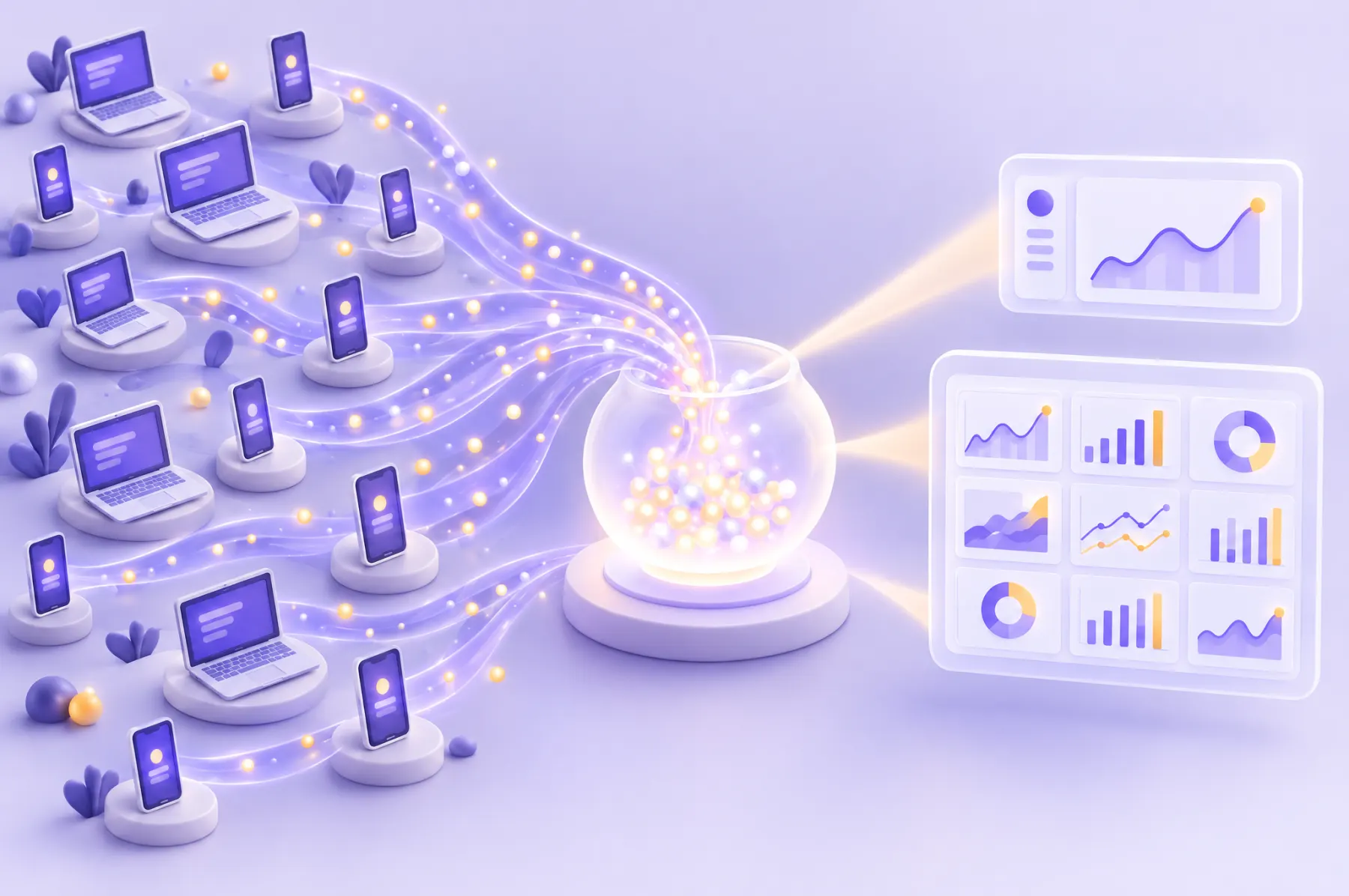
Every answer
One record store for every answer
Every answer, given live or later, lands in one learning record store with the moment it was given.
Results shown during class stay inside the lesson. Analytics opens with shared session scope and a default report. Ruiz can also ask an authorized agent to investigate the evidence and build a custom dashboard, rubric report or teaching summary. Department access extends this model in the institutional plan.
Standards and platforms
Works with the platforms schools already use
SCORM packages and xAPI forwarding provide the current foundations. Real-LMS acceptance and further institutional connections have their own delivery steps.
- SCORM
Download a SCORM 1.2 or 2004 launch package. Verify learner identity, score and completion with the selected LMS.
- LTI
Planned LTI 1.3 launch and grade passback connect institution learning platforms.
- xAPI
Every answer is recorded as an xAPI statement that a conformant learning record store can receive.
- Record forwarding
An authorized agent configures an external destination. Delivery follows new records and scheduled retries, without an idle polling job.

Friday
Exploring alone
A student preparing for the exam skips the recording and moves along the timeline freely.
They stop at the diagram that confused them and watch the cloud form again, slowly.
Years ago
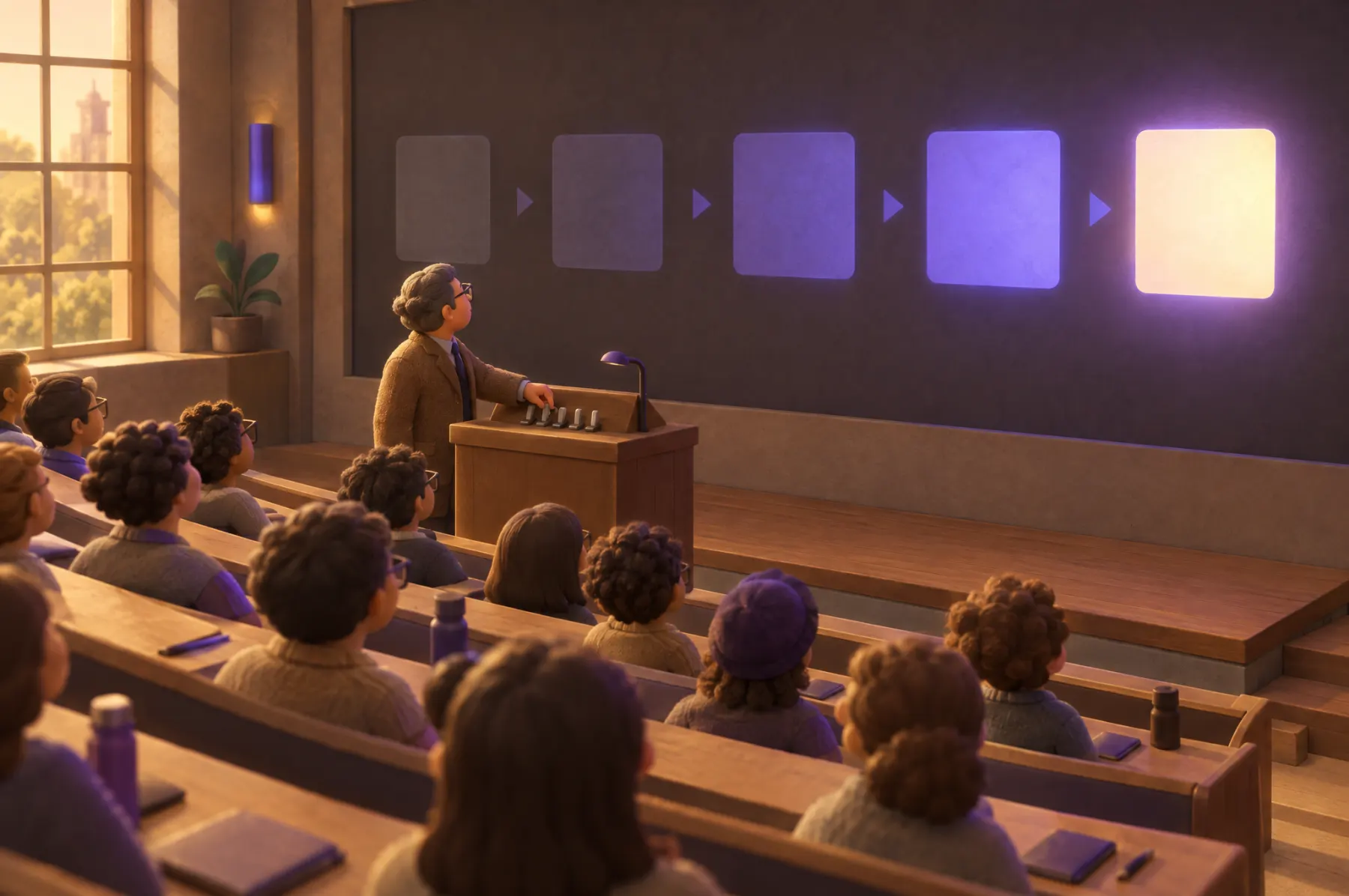
From a switch, to a slide, to a moment
A professor switched blocks on and off, one by one, to keep a whole room at the same point.
Later that point became a slide. Now it is a moment on a timeline: shared live, replayed later or explored alone.

Open to any content creator, with the infrastructure included.